

The journey your game data takes
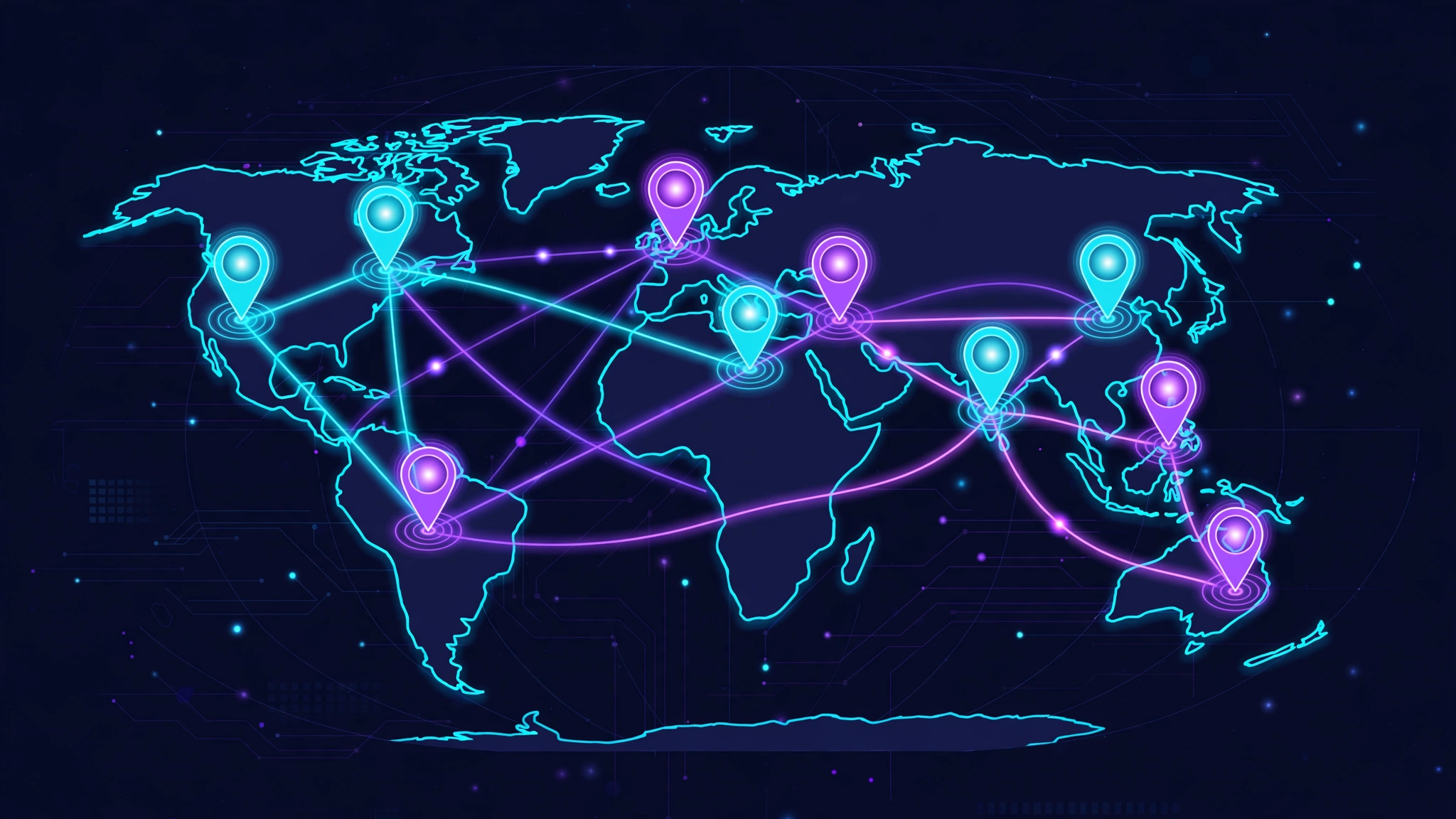
Everything your game sends, your movement, your shots, your voice, is broken into small pieces called packets. Each packet is labelled with its destination and launched onto the network, and each is forwarded, step by step, until it reaches the game server. The server's replies make the same journey in reverse. Your ping is simply the total time that round trip takes.
The steps look roughly like this. A packet leaves your device and reaches your router. Your router passes it to your internet provider's network. From there it is handed between networks, your provider's own backbone, then possibly one or more other companies' networks, then the network hosting the game server, until it arrives. Each handover point, where one machine passes the packet to the next, is called a hop. A typical game connection might involve ten to twenty hops, most of them invisible and all of them adding a little time.
Two properties of this system matter for everything that follows. First, nobody owns the whole journey: your provider controls the beginning, strangers control the middle, and the game's hosting company controls the end. Second, the route is chosen by agreements and automated rules between those companies, not by asking which path would give you, personally, the lowest ping.
One more subtlety is worth knowing: the road out and the road back are chosen independently, and they are often different. Your packets might leave through one exchange point and return through another, in a pattern called asymmetric routing. Since ping measures the full round trip, a fault on either leg, including the return leg you never think about, shows up in the same number, which is one reason route problems can be so hard to pin down from the outside.
Hops, queues and where the time goes
Each hop costs time in three ways. The packet physically travels, down fibre, through cities, sometimes under seas, and light in fibre, while fast, is not instant: distance alone sets a floor under your ping that nothing can negotiate with. At each router along the way, the packet is received, its destination is read, and it is forwarded, a small processing cost. And at busy moments the packet waits in a queue behind other traffic before being forwarded, which is usually the largest and most variable cost of all.
This is why "more hops" does not automatically mean "worse connection". Fifteen idle hops can pass a packet faster than eight hops containing one overwhelmed junction. What matters is not the count but the condition of the specific path: how far it travels, how busy its junctions are, and how directly it heads towards the server. A route that detours through a distant city to reach a server two hundred miles away, which happens more often than players would believe, pays for every unnecessary mile twice, once in travel time and once in extra junctions.
Peering: where networks hand over your traffic
The internet is not one network but thousands, stitched together. The stitching happens at handover arrangements called peering: places and agreements where one network passes traffic to another. Large networks meet at internet exchange points in major cities; smaller providers often pay a larger "transit" network to carry their traffic onward.
The crucial detail is that these arrangements are commercial, not athletic. Your provider's routing decisions favour paths that are cheap, contractually available and good enough for typical traffic, web pages and video streams, which do not care about an extra 30 ms. Game traffic cares desperately, but it is a tiny share of what flows, and it inherits routes chosen for everyone else. This is how a player can live fifty miles from a game server yet watch their packets travel to another country's exchange point and back: the economical path and the short path are simply not the same path, and your provider was never asked to find the short one.
Why your neighbour gets a different ping
It follows that two players on the same street, playing the same game on the same server, can have completely different connections. If they use different providers, their packets leave the neighbourhood on different networks, pass through different exchange points, and arrive by different roads. One provider may peer directly with the game's hosting network in their shared city; the other may hand traffic to a transit partner whose road wanders. The server is identical, the distance is identical, the journeys are not.
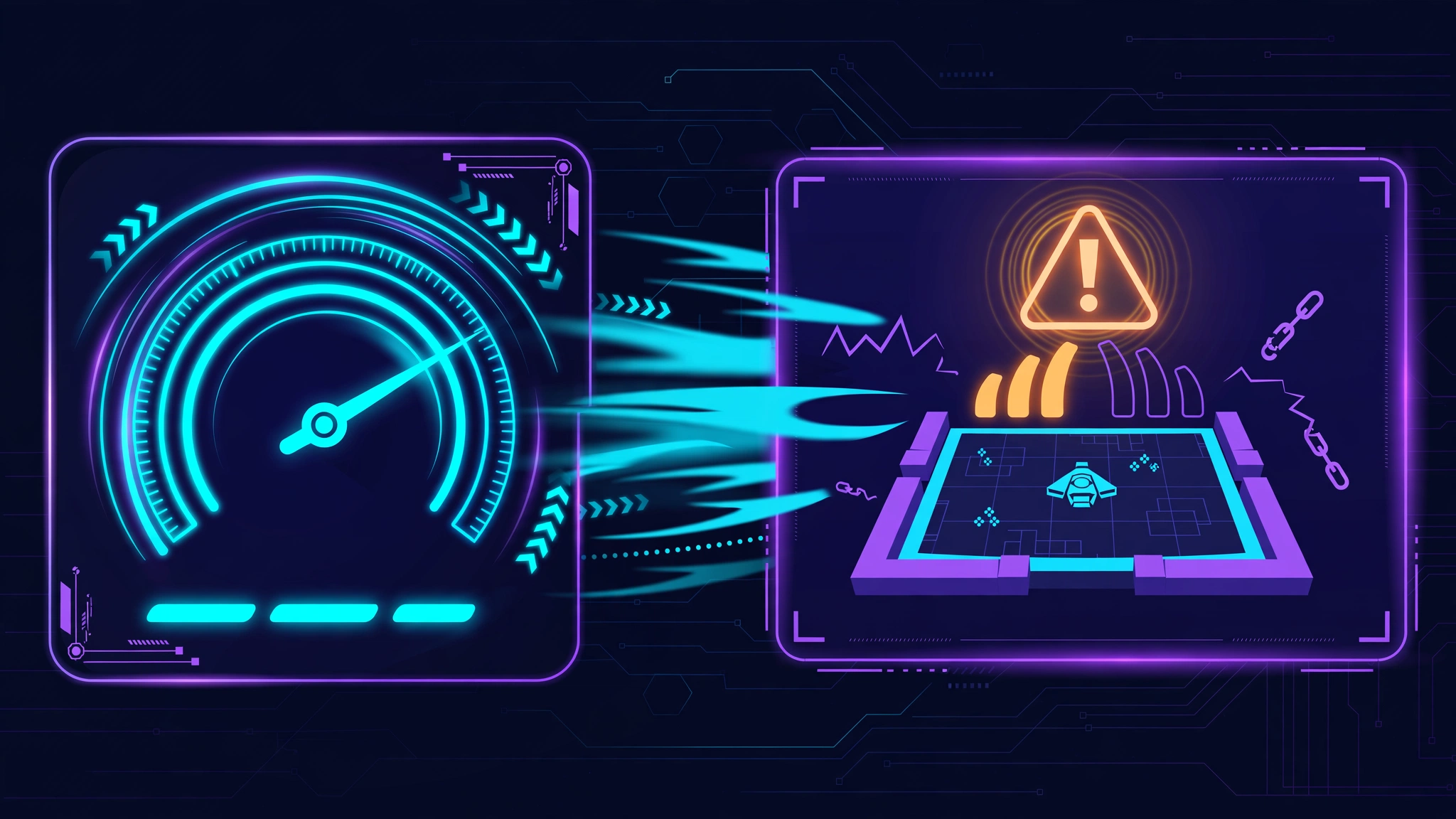
Even on the same provider, results differ: a congested local segment, a longer line to the cabinet, a different tier of service. This is also why comparing download speeds settles nothing. Bandwidth is the width of the road; routing is which road you are sent down. Our guide to high ping despite fast internet explores that paradox from the player's side, this article is the machinery underneath it.
Peak hours on shared roads
Routes have capacity, and they share it with everyone. In the evening, when whole countries stream, download and play at once, the busy junctions on popular paths fill up. Queues lengthen, delays grow and become uneven, and occasionally packets are discarded when queues overflow, which you experience as packet loss arriving alongside the higher ping.
Routing also adapts, after a fashion: networks constantly exchange information about which paths are reachable, and if a link fails or becomes unusable, traffic is re-routed around it. What the system does not do is re-route your game traffic because a junction is merely slow. Congested but functioning is, to the routing system, functioning. Your packets will sit in that queue every evening until the load passes, unless something deliberately chooses them a different road.
How routing tools change the journey
A game routing tool takes the one decision your provider normally makes for you, which road, and makes it deliberately, for game traffic specifically. The principle is consistent across such tools. Instead of your packets being handed to the general internet at your provider's door, they are carried into the tool's own network at a nearby entry point, transported across that network's managed paths, and released close to the game server for the final short leg. The tool maintains many possible paths and monitors conditions on them, so it can favour a route that is currently direct and quiet over one that is congested, the digital equivalent of a driver who checks every bridge before choosing, rather than always taking the motorway by habit.
How does the tool know which of its paths is currently best? By measuring. Routing services continually test the latency and loss along their routes to major game servers, and weigh what they find against conditions right now, not yesterday's map. That is why the same tool can transform one player's evening and do little for another: if your provider's default path was already close to the best available road, there is little left to gain, while a player whose default route detours through a congested exchange has a great deal to recover. The tool is not adding speed to your connection. It is subtracting detours from it.
GearUP Booster works this way. GearUP names its technology Adaptive Intelligent Routing, and its official guides describe real-time monitoring of game server and network conditions alongside the routing itself. The player's side of it is deliberately simple: open the app, select your game, select a server, on the PC version you can also choose among nodes, the entry and exit points of the boosted path, click Boost, then launch the game. While boosted, your game traffic takes the managed path; everything else on your machine continues as normal.
Isn't that just a VPN?
The resemblance is real but superficial. On mobile, booster apps route traffic through a local VPN connection profile, a normal permission step the app asks for during setup, and on PC the mechanics are similar. The difference is purpose and destination. A general VPN sends all of your traffic to one chosen location, primarily for privacy, and frequently makes game ping worse by adding distance. A game routing tool handles game traffic only, exists solely to shorten and steady its path, and is judged entirely on whether your measured ping, loss and stability improve, which is why the honest way to evaluate one is a fair before-and-after test on your own connection, in your own games.
What routing cannot change
A better road helps only when the road was the problem. Be clear about the boundaries:
- Distance is physics. If the server is on another continent, the journey has a minimum time set by geography, and no routing cleverness beats it. This is why choosing the right region matters more than any optimisation, the decision itself is covered in our guide to game server regions and how to choose the right server.
- The server end is out of reach. If the game server or its hosting network is overloaded, everyone's packets queue at the destination, on every possible route.
- The first metres are yours. Your packets cross your home network, Wi-Fi, router, competing household traffic, before any routing service ever sees them. Delay added in your own hallway is added to every route equally. Work through the home fixes in reducing high ping in online games before blaming the road.
- A faulty line stays faulty. If your physical connection to your provider drops packets, a new route transports damaged goods more elegantly, nothing more.
Frequently asked questions
What exactly is a hop?+
One step of the journey, a machine, usually a router, receiving your packet and forwarding it to the next machine. Your connection's hops include your own router, your provider's equipment, exchange points between networks, and the game host's network before the server itself.
Why would my traffic travel through another country to reach a nearby server?+
Because networks hand traffic over where their commercial agreements and exchange points are, not where geography suggests. If your provider's nearest peering point with the right network is abroad, your packets take the trip, a classic cause of mysteriously high ping over short distances.
Can I choose my own route without a tool?+
Not in any practical sense. Routing decisions are made by your provider and the networks beyond it. Your levers are indirect: choosing a nearer game server region, choosing a different provider, or using a routing tool that makes the decision on your behalf.
Can a better route reduce packet loss as well as ping?+
Sometimes, yes. Loss often happens at congested junctions where queues overflow, so a quieter route can drop fewer packets as well as delivering the rest sooner. Loss born in your home network or on a faulty line, however, travels with you onto any route.
Why did my ping change last month when nothing at home changed?+
Probably because the route changed. Providers adjust peering, move traffic between paths, and re-balance their networks silently, and any of those can shorten or lengthen your game's journey overnight. It is one of the most under-appreciated causes of a connection "suddenly" getting better or worse.
Your ping is not really a property of your internet package, or even of your house. It is a property of a journey, chosen by agreements you never see, across roads you share with millions. Once you understand that, the strange cases stop being strange: the neighbour with half your ping, the fast connection that plays badly, the evening collapse. And when the road itself is your problem, you know what a routing tool is actually for, and how to test whether it has genuinely found you a better one.